A plain-English owner's reference: what LiftMaster makes, where your model number hides, how to decode the diagnostics, and when to hand it to a local pro. We're not affiliated with LiftMaster โ this page exists because the manuals are hard work.

LiftMaster is the professional-installation brand of the Chamberlain Group, headquartered in Oak Brook, Illinois. Chamberlain Group has been owned by the private equity firm Blackstone since 2021. LiftMaster openers are sold and installed through professional garage door dealers rather than retail stores, and the brand also makes commercial door operators and gate access systems. LiftMaster and Chamberlain openers share much of the same engineering, including Security+ 2.0 rolling-code radio technology and the myQ smartphone connectivity platform. GarageDoorCallHQ.com is an independent referral site and is not affiliated with, endorsed by, or sponsored by LiftMaster or the Chamberlain Group.
Current residential LiftMaster openers fall into three drive types. Belt-drive models (such as the 84602, 85503, 87504-267, and 98022 series) use a reinforced rubber belt for quieter operation, and several include integrated battery backup and cameras on higher-end units. Chain-drive models (such as the 84501 series) use a metal chain and are common on standard-lift doors. Wall-mount (jackshaft) models such as the 8500W and RJO70 mount beside the torsion bar instead of on the ceiling. Most current models include built-in Wi-Fi for the myQ app, and California requires battery backup on new opener installations.
The model number is on a sticker or label on the opener powerhead, the unit mounted to the ceiling or wall. Depending on the model it may be on the side panel, on the back panel near the antenna wire, or visible after removing the light lens cover. Wall-mount units carry the label on the side of the housing. The same label usually lists the serial number and manufacturing date.
Search the U.S. Consumer Product Safety Commission recall database at cpsc.gov/Recalls using the brand name and your model number from the powerhead label. Also check the Chamberlain Group support site for safety notices. Any opener made after 1993 should have functioning photo-eye safety sensors; if yours does not, treat that as a safety issue regardless of recall status. Official support: support.chamberlaingroup.com ยท Recall search: cpsc.gov/Recalls
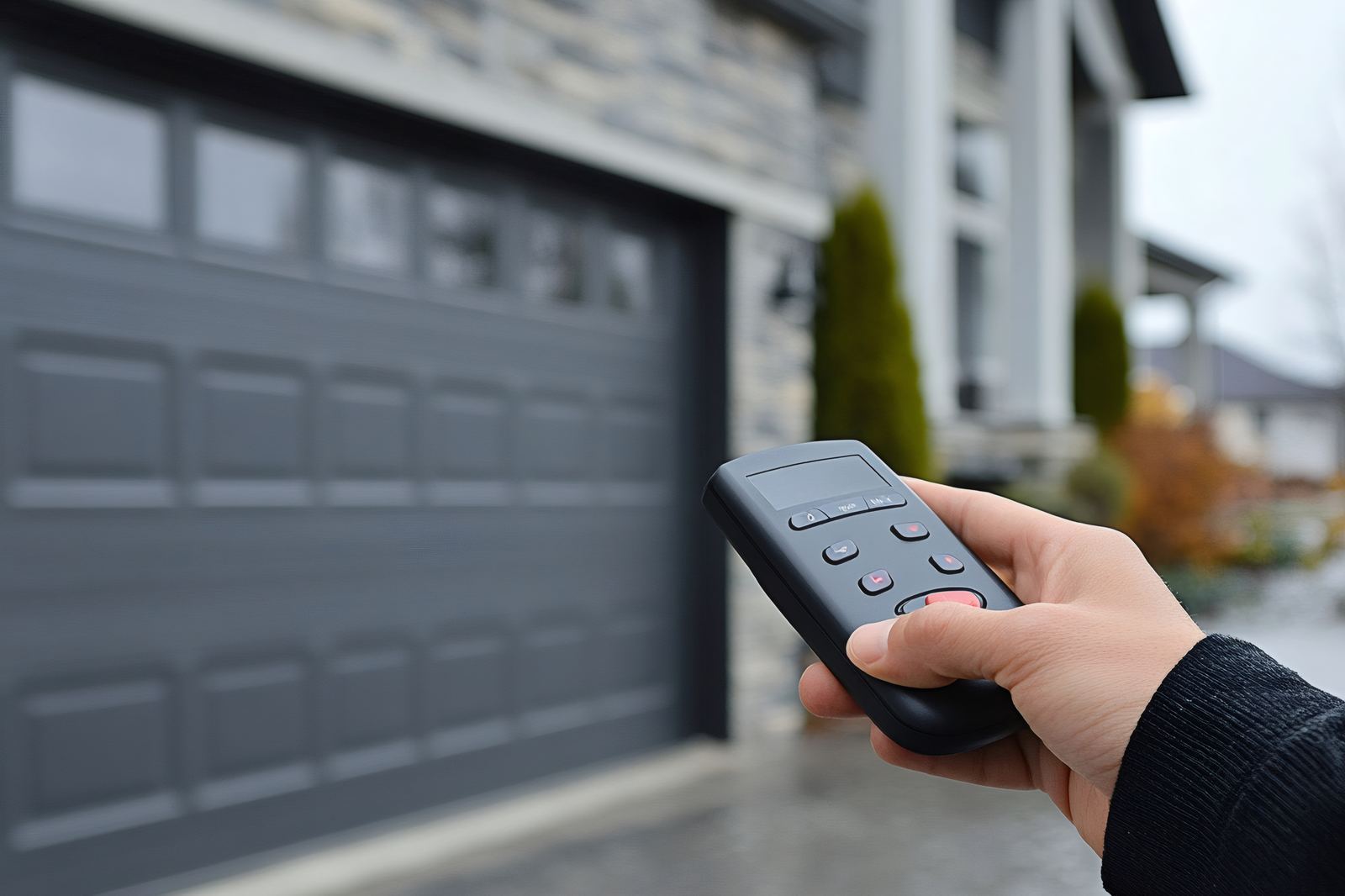
LiftMaster remotes and keypads must match the opener's radio generation, identified by the learn button color: yellow (Security+ 2.0, 2011 to present), purple or red/orange (Security+, 1997 to 2011), or older dip-switch models. Yellow-button openers work with 893MAX-style remotes and myQ accessories. Chamberlain and Craftsman remotes of the same generation are generally cross-compatible because all three are Chamberlain Group products. Rails, trolleys, and logic boards are model-specific.
The blink patterns are the opener telling you what's wrong. Here's the table the manuals bury โ with the honest first check for each.
| Code | What it means | First check (free) |
|---|---|---|
| Up arrow 1 flash, down arrow 1 flash | Safety sensors are obstructed, misaligned, disconnected, or a sensor wire is broken. | Look at both photo eyes near the floor. Confirm each has a lit LED, nothing blocks the beam, and both lenses point at each other. Check the thin wires running up to the powerhead for staples cutting insulation or pulled-out terminals. |
| Up arrow 1 flash, down arrow 2 flashes | Sensor wires are reversed or shorted between the white and black terminals. | At the powerhead, confirm the white wires go to the white terminal and the white/black-striped wires to the grey/black terminal. Look for pinched or stapled wire along the run to the sensors. |
| Up arrow 1 flash, down arrow 3 flashes | Wall control (door control panel) wires are shorted. | Disconnect the wall-button wires at the powerhead. If the code clears, the fault is in that wire run or the button itself; inspect for staples through the wire or a stuck button. |
| Up arrow 1 flash, down arrow 4 flashes | Sensors were briefly obstructed or are slightly misaligned; the door reversed or refused to close. | Realign the photo eyes until each LED glows steady without flicker. Check the brackets are not bent and nothing (leaves, cobwebs, a bin) crosses the beam intermittently. |
| Up arrow 1 flash, down arrow 5 flashes | No motor RPM detected in the first second of movement. | Pull the manual release and lift the door by hand. If it is heavy or won't stay open halfway, springs likely need professional adjustment; forcing the opener to lift an unbalanced door causes this code. |
| Up arrow 1 flash, down arrow 6 flashes | Movement detected after the motor shut off at the open position. | Test door balance: a properly sprung door should stay put at half height. Also confirm the trolley is engaged and the manual release cord hasn't been pulled. |
| Up arrow 2 flashes, down arrow 1-5 flashes | Logic board component failure detected during self-test. | Unplug the opener for 30 seconds and restore power. If the code returns, the logic board itself is faulting; that is a board replacement, not a sensor or wiring issue. |
| Up arrow 3 flashes, down arrow 2 flashes | Power outage occurred; the opener needs to relearn its travel position. | Confirm the outlet has power, then run the door through a full open and close cycle from the wall button so the opener can re-find its limits. |
| Up arrow 4 flashes, down arrow 1 or 2 flashes | Unexpected change in RPM or motor current while the door was traveling down (4-1) or up (4-2). | Watch the door move: look for binding rollers, a rubbing track, or a door that feels heavy by hand. Rebalancing or lubrication often resolves it; if travel limits drifted, reprogram them. |
| Up arrow 4 flashes, down arrow 5 flashes | Travel module not recognized by the logic board. | Confirm the travel module is fully seated in the powerhead. If reseating it and cycling power doesn't clear the code, the module needs replacement with the correct part for your model. |
On models with a diagnostic display, the up and down arrow LEDs on the powerhead flash in a pattern: count the up-arrow flashes, then the down-arrow flashes (for example, 4 up and 2 down is code 4-2). The code repeats after a pause. Match the pair against the diagnostic table in your manual or on the Chamberlain Group support site.
The most common cause is the photo-eye safety sensors: misalignment, a blocked beam, sun glare on a lens, or damaged wiring. The opener light typically flashes ten times when this happens. If sensors check out, the down force or travel limits may need adjustment, or the door may be binding in the tracks.
Yes. LiftMaster and Chamberlain are both brands of the Chamberlain Group. LiftMaster is sold and installed through professional dealers, while Chamberlain is sold through retail and online channels for do-it-yourself installation. Many internal components, radio systems, and diagnostic codes are shared between the two brands.
Talk to a local garage-door pro now. Free to call, no obligation, honest answers โ the way it should be.